Make it on your phone.
Run it live from your desk.
Record, edit and make thumbnails right in your phone’s browser. Then run your whole livestream, guests, callers and all, from one window next to OBS.
ON YOUR PHONE
CreateShot
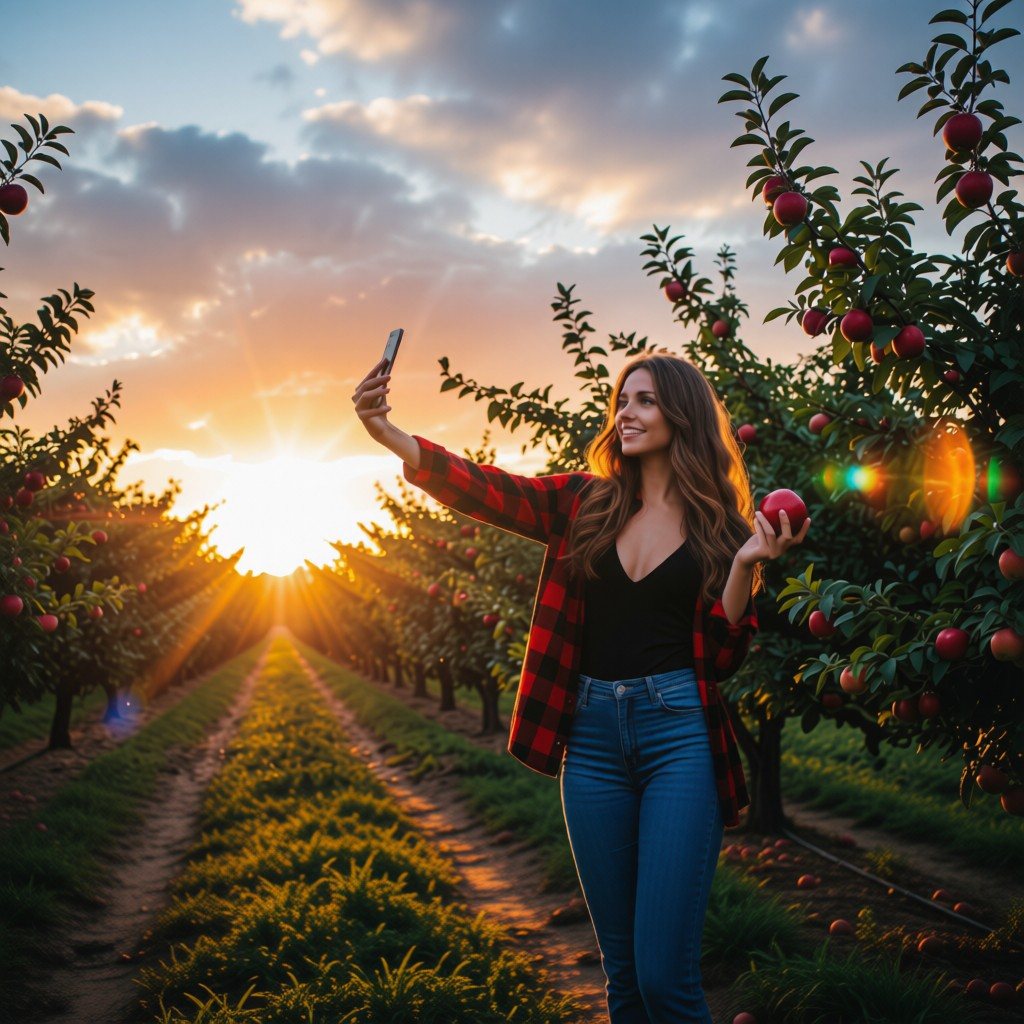
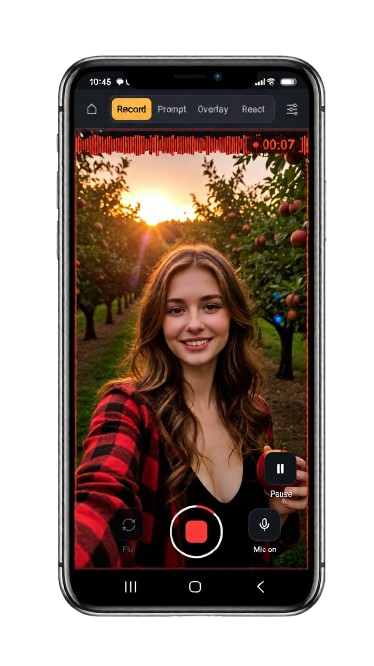
- Record with a teleprompter only you can see, overlays and react mode.
- Edit on a real timeline: cuts, text, music and auto-captions.
- Thumbnails and collages that pop, made in the same app.
Works in your phone’s browser. Install it like an app. No account, nothing uploaded.
ON YOUR COMPUTER, WITH OBS
CreateShot Live
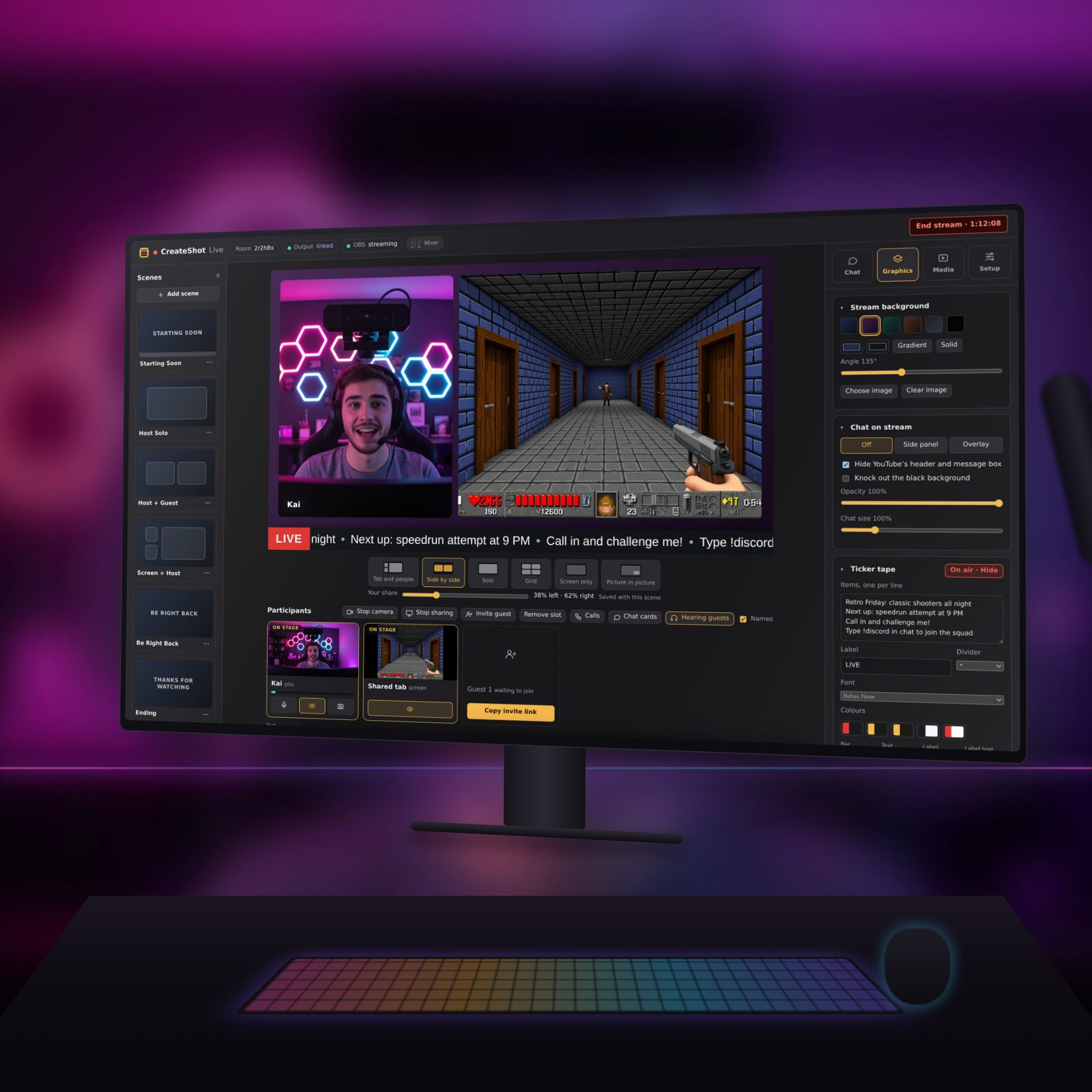
- Guests and callers join from a link or a QR code. No accounts, nothing to install.
- Chat on screen and one-key Super Chat cards, plus scenes, a ticker, clips and a mixer.
- Green screen and AI cut-outs, picture in picture, and a feed that drops straight into OBS.
Needs a computer with Chrome, Brave or Edge, and OBS. Guests and callers can join from any phone.
Free to start. Pay once to go Pro.
No subscriptions, no accounts, nothing uploaded to us.
CreateShot
| Free | Pro · $4.99 once | |
|---|---|---|
| Recorder, editor, thumbnails | Yes | Yes |
| Export | 720p, watermark | Up to 4K, clean |
| Auto-captions | — | Yes |
| One-tap cutout | — | Yes |
| Collages | 2 pictures | All layouts |
CreateShot Live
| Free | Pro · $9.99 once | |
|---|---|---|
| Every feature | Yes | Yes |
| Guests and callers | Yes | Yes |
| Watermark on stream | Small, top left | None |
| Computers per key | — | Up to 5 |
Both Pro versions are in beta: every update is included, and if something breaks, reply to your receipt and it gets fixed. Refunds within 14 days. They’re separate purchases.
Your footage stays yours.
No account, no uploads. CreateShot works on your phone, Live works on your computer, and neither sends your videos to us.
Questions
What’s the difference between the two?
CreateShot is for making videos on your phone: record, edit, caption, thumbnails. CreateShot Live is for livestreaming from a computer: it runs your show (guests, callers, chat on screen, graphics) and feeds it into OBS. They’re separate apps with separate Pro keys.
What do I need for CreateShot Live?
A computer with Chrome, Brave or Edge, and OBS. CreateShot sets up its own scene in OBS for you. Guests and callers only need a link, on any phone or computer.
How do I install them?
CreateShot: on Android, open it in Chrome, tap ⋮, then Install app. On iPhone: Safari, Share, Add to Home Screen. CreateShot Live offers to install itself the first time you open it on your computer.
Where do my videos go?
Nowhere. They stay on your device. There’s no account and nothing is uploaded.
How do I unlock Pro?
Buy it on Gumroad and copy the key from your receipt. In CreateShot, tap Get Pro, then Paste my key. In CreateShot Live, click Remove watermark (top right), paste the key and click Activate.
Lost your key?
Gumroad can find it with the email you bought with: look up your key. It’s also in your receipt email.
Is Pro a subscription?
No. Pay once and keep it. A CreateShot key works on up to 5 devices; a CreateShot Live key on up to 5 computers.
Getting a new phone or computer?
Your key moves with you. Drafts and settings stay with the old device, so export anything you need first.
Why not CapCut or StreamYard?
No account, nothing uploaded, and you pay once instead of monthly. CreateShot’s recorder is built for talking to camera, and Live keeps OBS’s quality while making guests and graphics easy.